QR Codes for Small Business: A Complete Guide

QR Codes Are No Longer Optional for Small Business
An estimated 102.6 million Americans will scan a QR code in 2026. That is not a future prediction. That is the market you are either reaching or ignoring. QR codes for small business have evolved from a pandemic workaround into a permanent part of how customers interact with local shops, online stores, and service providers. Usage has grown 323% since 2021, and 64% of small businesses already use QR codes for at least one purpose.
The question is no longer whether your business should use QR codes. It is whether you are using them well enough to actually drive results. A static QR code slapped on a flyer with no tracking, no branding, and no strategy is a missed opportunity. This guide shows you how to do it right.
Static vs. Dynamic QR Codes: Pick the Right One
Static QR codes encode a fixed URL directly into the pattern. Once printed, the destination cannot change. They work fine for permanent links like your website homepage or a Google Maps location. They are free to generate and never expire.
Dynamic QR codes point to a short URL that redirects to your actual destination. This means you can change where the code points after printing, track how many people scan it, see when and where scans happen, and A/B test different landing pages. For any marketing use case, dynamic codes are worth the small investment.
Tip
The best approach is to generate your QR code from a branded short link. You get dynamic redirect capabilities, scan analytics, and a clean URL that builds trust — all from a single link. LinkSnap does this automatically when you create a QR code.
8 Practical Ways to Use QR Codes for Your Small Business
1. Marketing Materials
Business cards, flyers, posters, and brochures have limited space. A QR code bridges the gap between print and digital. Point it to your portfolio, booking page, or a special offer landing page. One restaurant owner reported a 37% click-through rate on QR-driven customer journeys — dramatically higher than the 2-5% typical of digital display ads.
2. Product Packaging and Labels
QR codes on packaging connect physical products to digital experiences. Link to video tutorials, ingredient sourcing stories, assembly instructions, or warranty registration. QR code usage on product packaging increased 88% year-over-year, showing customers actively expect and use them.
3. Menus and In-Store Signage
Restaurants led QR adoption with a 75% usage rate — the highest of any industry. But the use case extends beyond menus. Retail stores use QR codes on shelf displays linking to product reviews, size guides, or comparison pages. Service businesses post QR codes in waiting areas linking to intake forms or appointment schedulers.
4. Customer Reviews and Feedback
Getting customers to leave reviews is hard. Making it easy is the fix. A QR code on a receipt, table tent, or packaging insert that goes directly to your Google Business review page removes every friction point. No searching, no typing your business name, no navigating Google Maps. Scan, tap, review.
5. Payments and Checkout
QR-based payments are projected to hit $3 trillion in annual spending globally. For small businesses, QR payment codes eliminate the need for expensive POS hardware. Street vendors, market sellers, and freelancers can accept payments with nothing more than a printed QR code linked to their payment processor.
6. Social Media Growth
A QR code on your packaging or storefront that links to your Instagram, TikTok, or LinkedIn profile converts in-person customers into online followers. The key is linking to one specific profile, not a generic linktree with ten options. One clear action beats a menu of choices every time.
7. Email List Building
Place a QR code at your checkout counter, on event materials, or inside product packaging that links to a signup form with a clear incentive — 10% off the next order, a free guide, early access to new products. Physical touchpoints convert to email subscribers at significantly higher rates than website popups because the customer is already engaged with your brand in person.
8. Event Marketing and Promotions
Pop-up events, trade shows, and local markets are perfect for QR codes. Link to your product catalog, a limited-time discount, or a post-event follow-up sequence. Attendees scan in the moment while interest is high. You capture the lead without fumbling with paper forms or spelling out URLs letter by letter.
How to Create a QR Code for Your Business
- Start with your destination URL. Decide exactly where you want scanners to land — a product page, booking form, review page, or social profile. If the URL is long or ugly, shorten it first with a branded short link.
- Choose a QR code generator that supports dynamic codes and tracking. Free generators work for static codes, but any marketing use case needs scan analytics and the ability to edit the destination later.
- Customize the design. Add your brand colors, insert your logo in the center, and round the corners for a modern look. Keep enough contrast between the dark modules and light background for reliable scanning.
- Test before you print. Scan with at least three different phones (iPhone, Android, older model) from the distance your audience will actually be scanning. A QR code on a billboard needs to be much larger than one on a business card.
- Add a call-to-action next to the code. Never place a naked QR code. Always include text like 'Scan for 10% off', 'Scan to see the menu', or 'Scan to book your appointment'. The CTA tells people why they should bother scanning.
QR Code Best Practices That Actually Matter
Most QR code advice is obvious. Here are the practices that actually move the needle for small businesses.
- Minimum size is 2 cm × 2 cm (0.8 in × 0.8 in) for close-range scanning like business cards. For posters and signage, scale up to at least 10:1 ratio — 10 cm code for every 1 meter of scanning distance.
- Always use a branded short link as the QR destination. Scanners see the URL preview before opening it. A link showing your-brand.link/menu builds trust. A random string of characters does not.
- Track everything. If you cannot see how many people scanned, when they scanned, and what they did after, your QR code is just decoration. Use a platform that provides scan analytics.
- Refresh your codes regularly. A QR code pointing to last month's expired promotion damages credibility. Dynamic codes let you update the destination without reprinting.
- Never place QR codes where there is no internet — subway tunnels, airplane seatbacks, basement events. If people cannot load the destination, the scan is wasted.
QR Codes and Short Links: The Strategy Nobody Talks About
Here is what most QR code guides miss entirely: every QR code is just a URL encoded as a visual pattern. The quality of that URL matters as much as the code itself. When you paste a raw URL into a QR code generator, you get a complex pattern that is harder to scan and a destination URL that looks suspicious to cautious users.
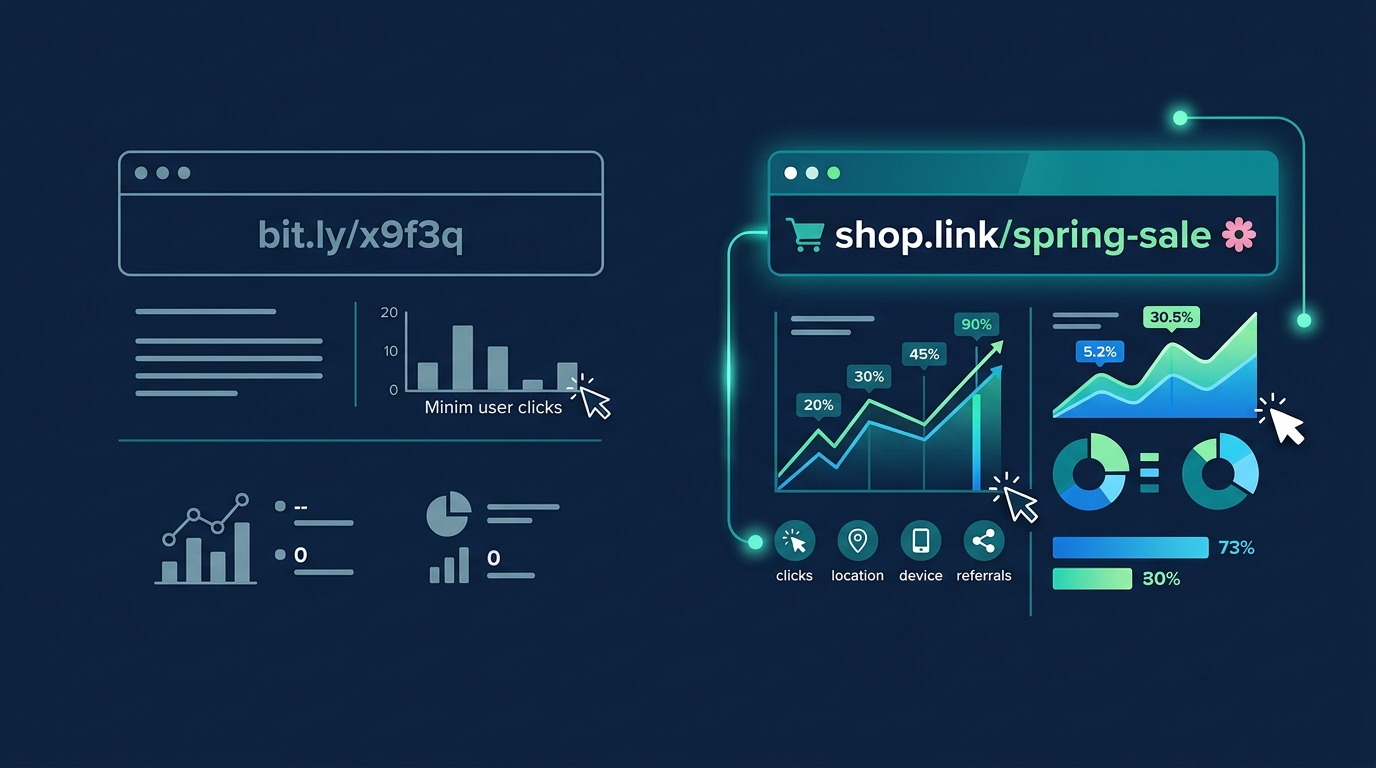
Branded short links solve both problems. A short URL like yourshop.link/spring-sale produces a simpler, more scannable QR pattern. When users see the URL preview on their phone, they see your brand name instead of a string of random characters. With QR phishing attacks — called quishing — on the rise, that trust signal matters more than ever. A branded short link inside your QR code tells the scanner exactly who they are about to visit.
The real power is in the data. When your QR code points to a branded short link, every scan is logged with timestamp, location, device type, and referrer data. You can see which physical locations drive the most scans, which campaigns perform best, and exactly how many people your print materials are reaching. That is the kind of data that turns a QR code from a gimmick into a growth channel.
QR Codes for Digital Product Sellers
If you sell digital products — planners, stickers, worksheets, templates, courses — QR codes open up use cases that most guides ignore completely.
- Add QR codes to packaging inserts that link to your full product collection. A customer who bought one sticker pack is your warmest lead for the next one.
- Include QR codes in printed worksheets that link to video instructions or answer keys. Parents and teachers love this.
- Place QR codes on social media posts and carousels that link directly to your Gumroad or Etsy listing. Save your audience the friction of searching for the link in your bio.
- Use QR codes at craft fairs and pop-up markets to let visitors browse your digital catalog on their phone while you chat with other customers.
Note
Digital product sellers often overlook the packaging insert. Even digital-only products can include a printable thank-you card with a QR code linking to your store, a review page, or a discount for their next purchase.
Free vs. Paid QR Code Generators: What You Actually Need
Free QR code generators create static codes that work forever and cost nothing. If you need a permanent link to your website homepage or Google Maps location, free is fine.
For anything marketing-related, you need a paid tool — or a platform that bundles QR generation with link management. The features that matter are dynamic redirects so you can change destinations without reprinting, scan analytics so you can measure results, custom branding so your codes look professional, and bulk generation if you need unique codes for different products or locations. The global QR code market is projected to reach $33.14 billion by 2030. The tools are getting better and cheaper every year.
Start Using QR Codes for Your Business Today
You do not need a massive budget or a technical team. Start with one QR code for your highest-impact touchpoint — your checkout counter, your most-distributed flyer, or your product packaging. Make it a branded short link so you get tracking from day one. Add a clear call-to-action next to the code. Measure the scans. Then expand to more touchpoints based on what the data shows.
The businesses that win with QR codes are not the ones using the fanciest generator. They are the ones who treat every code as a trackable, branded customer touchpoint instead of a disposable novelty. That shift in thinking is worth more than any tool.