5 Ways Digital Planners Boost Your Productivity
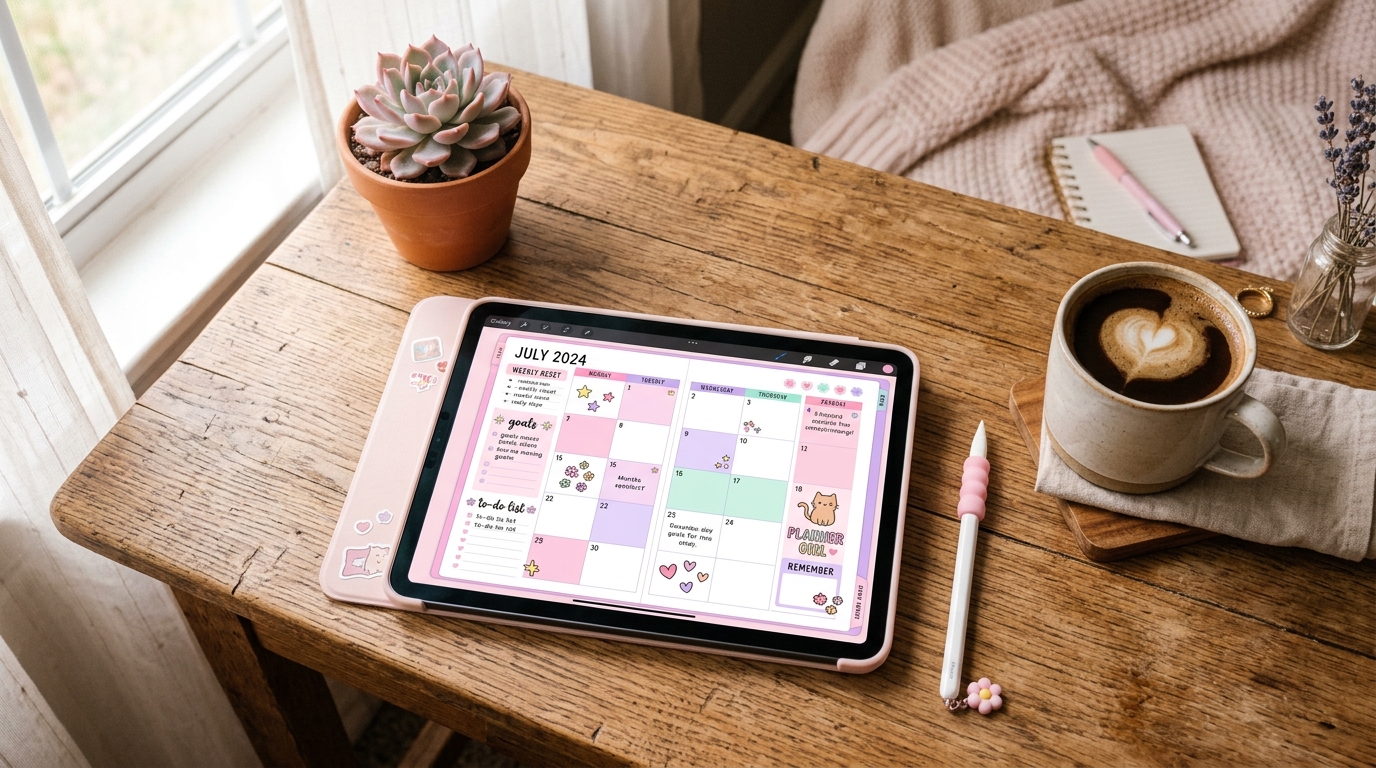
Paper planners are satisfying — until you run out of pages, lose them, or realize you can't search for that meeting note from three months ago. Digital planners give you the tactile joy of handwriting with the power of a searchable, infinitely customizable system.
1. Infinite Customization Without Waste
With a paper planner, you're stuck with whatever layout the designer chose. Wrong column width? Too bad. Digital planners let you duplicate pages, rearrange sections, and swap templates mid-year. Add a habit tracker in March, remove it in June — no wasted pages.
Apps like GoodNotes and Notability support hyperlinked tabs, so you can jump between months, weeks, and custom sections instantly. It's a planner and a notebook rolled into one.
2. Stickers Make Planning Fun (Seriously)
Digital planner stickers aren't just decoration — they're visual cues that help you scan your schedule faster. Color-coded priority stickers, mood trackers, and event badges turn your planner into an information dashboard you actually want to look at.
Tip
Use translucent stickers (like gummy jelly stickers) over text — they add color without hiding your notes underneath.
3. Search Everything, Forget Nothing
GoodNotes uses handwriting recognition to make your notes searchable. Write 'dentist appointment' on a random page three months ago — just search and find it. No flipping through pages. This alone makes digital planners worth the switch.
4. Sync Across All Your Devices
Your planner lives in the cloud. Check your schedule on your iPad at home, your iPhone on the train, and your Mac at work. Changes sync instantly. Forgot your planner at home? That's a paper-only problem.
- GoodNotes syncs via iCloud across all Apple devices
- Notability offers auto-backup to Google Drive or Dropbox
- PDF planners work in any app that supports annotation
5. Templates for Every Season and Goal
The best part of digital planning is the ecosystem. Need a meal planner for January? Download one. Starting a fitness journey in spring? There's a template for that. You build your own system from modular pieces instead of committing to one rigid layout for 365 days.
Forjio Studio
Dark Academia Planner 2026
A 132-page digital planner with dark walnut, parchment & gold aesthetic.
Learn more →Getting Started with Digital Planning
You need three things: a tablet with a stylus (iPad + Apple Pencil is the gold standard), a note-taking app (GoodNotes or Notability), and a digital planner PDF. Import the PDF, start writing, and add stickers as you go.
Check out our Studio collection for planners, worksheets, and sticker packs designed to work together. Everything is high-resolution, hyperlinked, and ready to use in GoodNotes or Notability.
Related Posts
Apr 1, 2026 · 6 min read
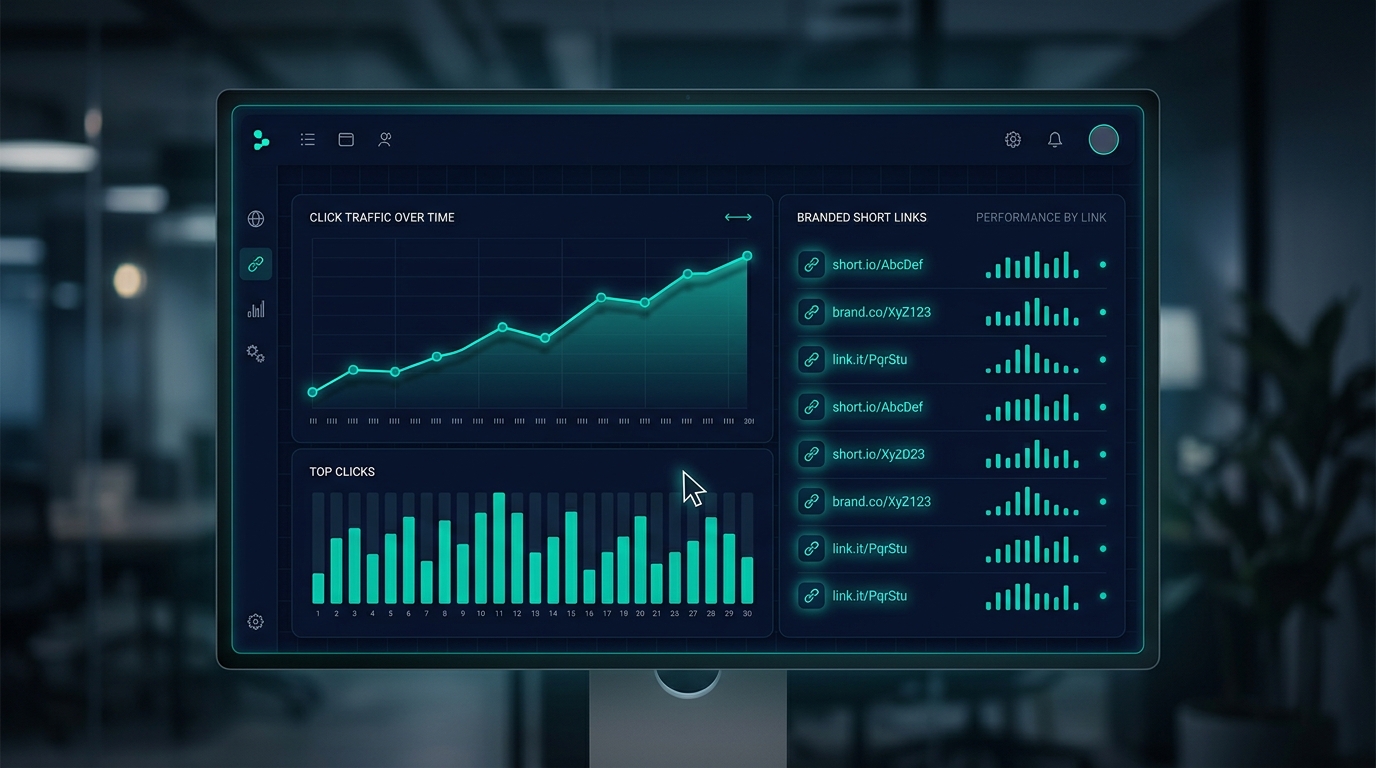
What Is URL Shortening and Why Your Business Needs It
Learn how URL shortening works, why branded short links boost click-through rates, and how tools like LinkSnap help you track every click.
Apr 3, 2026 · 7 min read
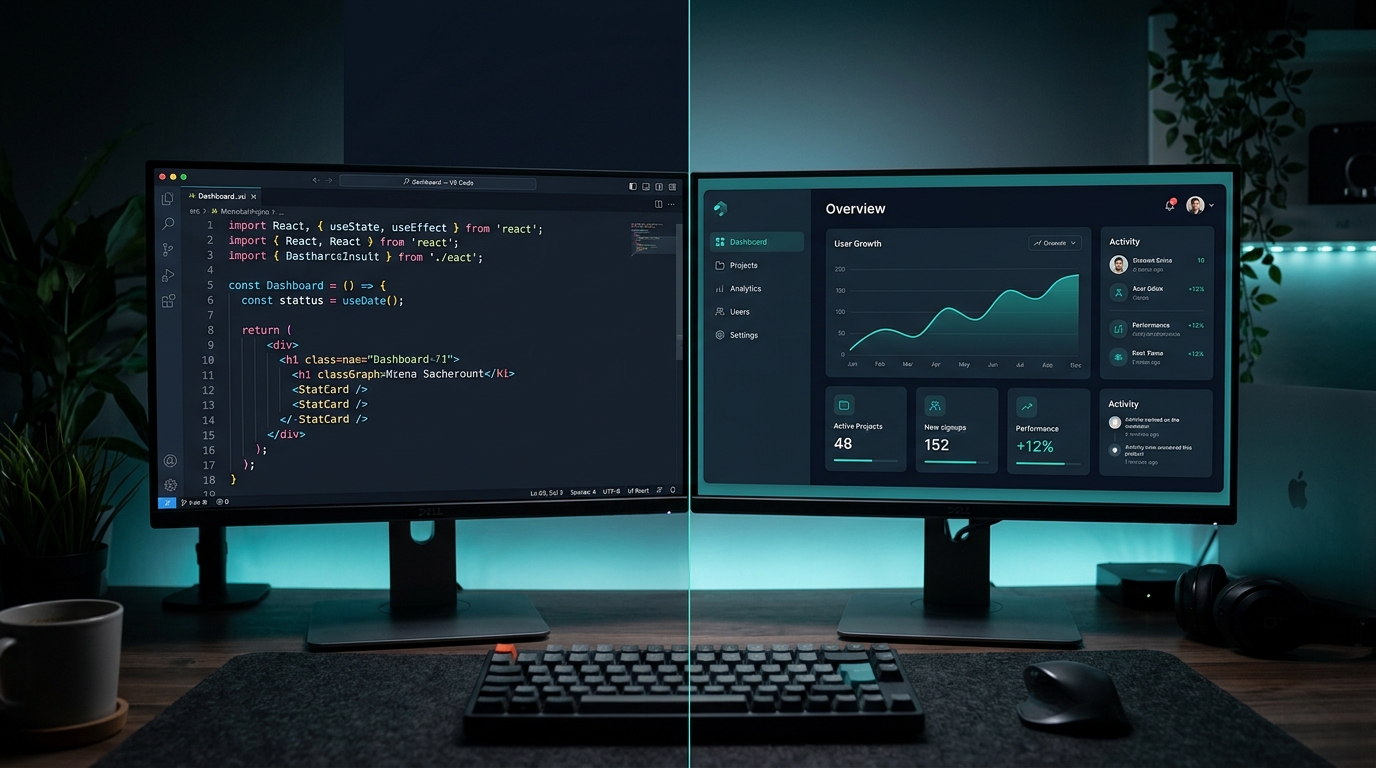
Building Micro-SaaS as an Indie Developer: Lessons from Forjio
What we learned building LinkSnap as a solo micro-SaaS — from choosing the right problem to shipping fast and staying focused.